
Table of Contents
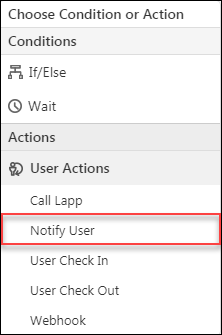
The Notify User action lets you send personalized emails to your users.
Here are some of the many applications of the notify user action –
Note: Be sure to insert mail merge fields to personalize your content.
Example Use Cases #
Here are some of the many applications of the notify user action –
- Send work anniversary emails to your users.
- Send birthday wishes to users.
- Remind users to check-in if they begin their workday early.
- Remind users to check-out if they are working late.
Procedure #
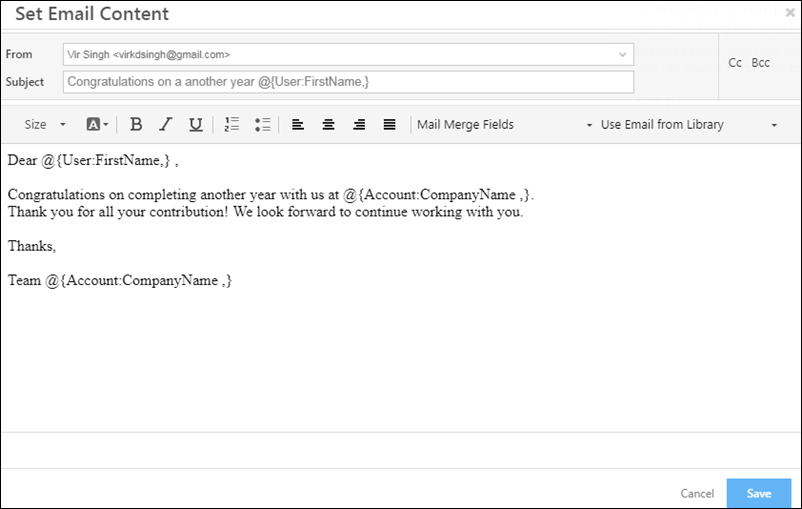
- On clicking the Notify User action, the Set Email Content pop-up will appear and enable you to compose a customized email.
- Compose the email and click Save when you’re done.
Note: Be sure to insert mail merge fields to personalize your content.


