
Scenario:
We checked the opportunity and found that after form submission, the field values were changing from “Completed” to null.
Root Cause:
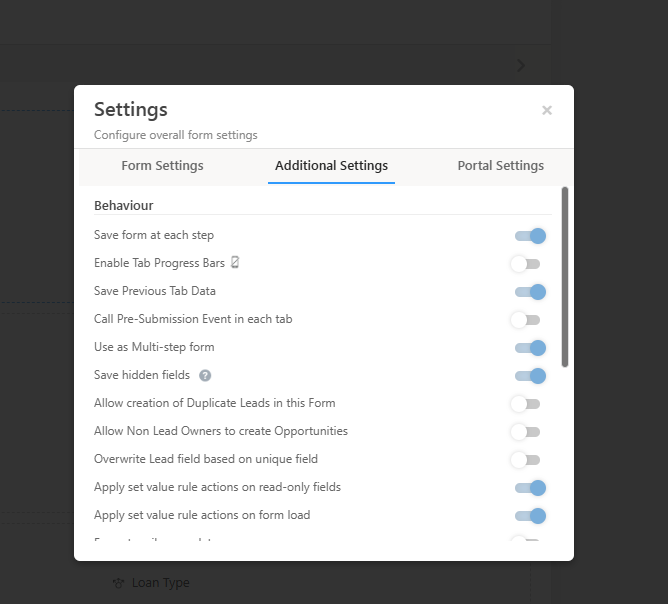
The “Save form at each step” option was enabled, and the payment was configured in the second tab. As a result, the field value in the first tab was blank. After the final payment submission, the system received a success response, which caused the issue and reset the value to null.
The “Save form at each step” option was enabled, and the payment was configured in the second tab. As a result, the field value in the first tab was blank. After the final payment submission, the system received a success response, which caused the issue and reset the value to null.
Solution:
We suggested disabling the “Save form at each step” option to prevent this issue.


