
Table of Contents
Team,
As the New UI has been made the default UI for LeadSquared portal across all the tenants, many times we receive following queries from the customer:
As the New UI has been made the default UI for LeadSquared portal across all the tenants, many times we receive following queries from the customer:
1. Automation Report and Lead Merge Details Availability:
Automation Report and lead merge details are currently not supported in New UI & Marvin. However, our developer team is working on it to make it available in the upcoming releases. Please be informed that our developer team is actively working on bringing these features in the upcoming releases.
2. Slow Loading in Lead Details Tab & Smart View Tab:
Error Screenshot:
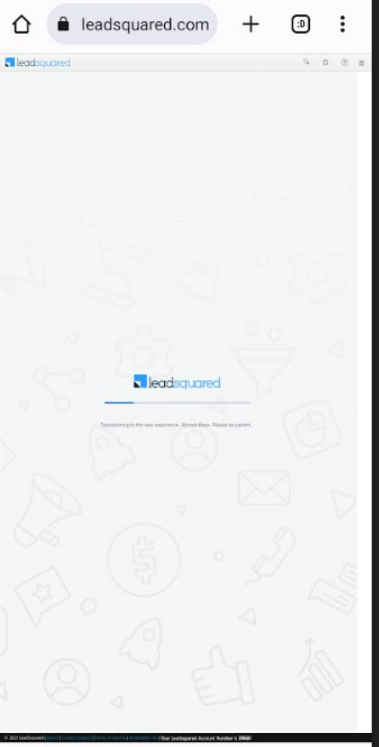
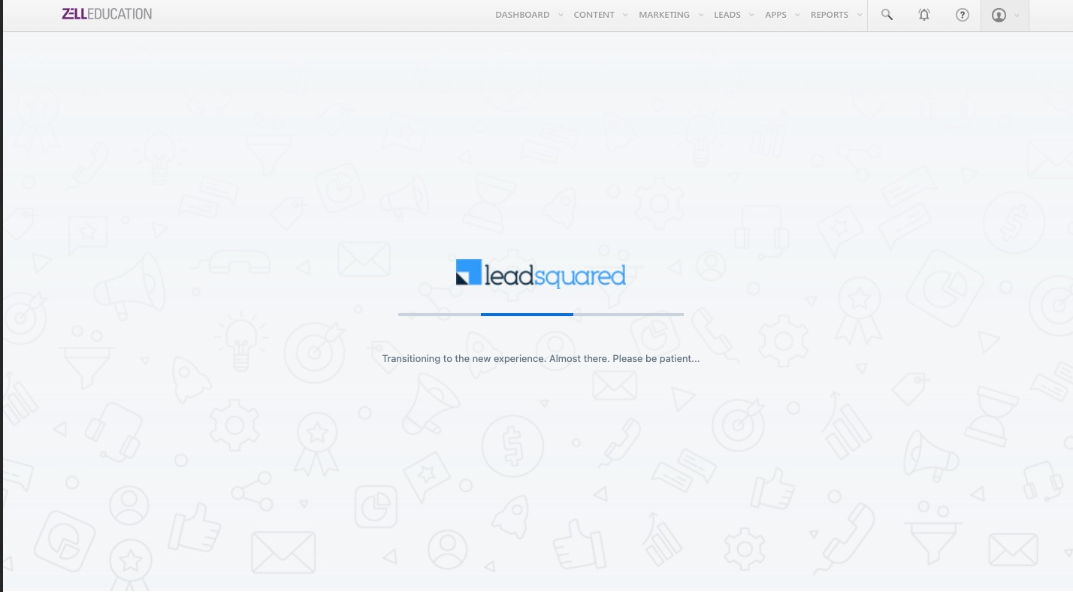
Error Screenshot:
We can receive queries where some users are experiencing slower loading times in the Lead Details Tab and Smart View Tab. To address this, request them to provide us with a screen recording of the issue along with the user credentials and validate if the issue is reproducible. If yes, you can recommend switching back to the Older UI temporarily.Also, kindly report this to the development team so that they can work on the fix. Please note that sometimes the slowness is also caused in case the user has opened several tabs.
Please share the below steps to the users who are facing the issue to switch back to Older UI:
1. On the top-right of the page you will see an option “Switch Back” to switch back to old UI as shown in the below screenshot:

2. Once selected, you can specify the reason for switch back and submit. This will take you back to the Old UI.
2. Once selected, you can specify the reason for switch back and submit. This will take you back to the Old UI.

#
Also, please reach out to following team in case of issues in New UI:
Forms & process: Swetha U
Smart Views: Boorla Sahaja
Smart Views: Boorla Sahaja
Marvin: Megha & Varshini
Telephony: Sampat & Prosenjit


