
Table of Contents
Issue:: #
Lead has unsubscribed from a particular Email category.

How to manage leads mailing preferences manually from LeadSquared user’s POV?
Solution:: #
To fulfill this request, the user can toggle the “Mailing Prederences” field on the lead details page or Manage Leads page using update lead options.
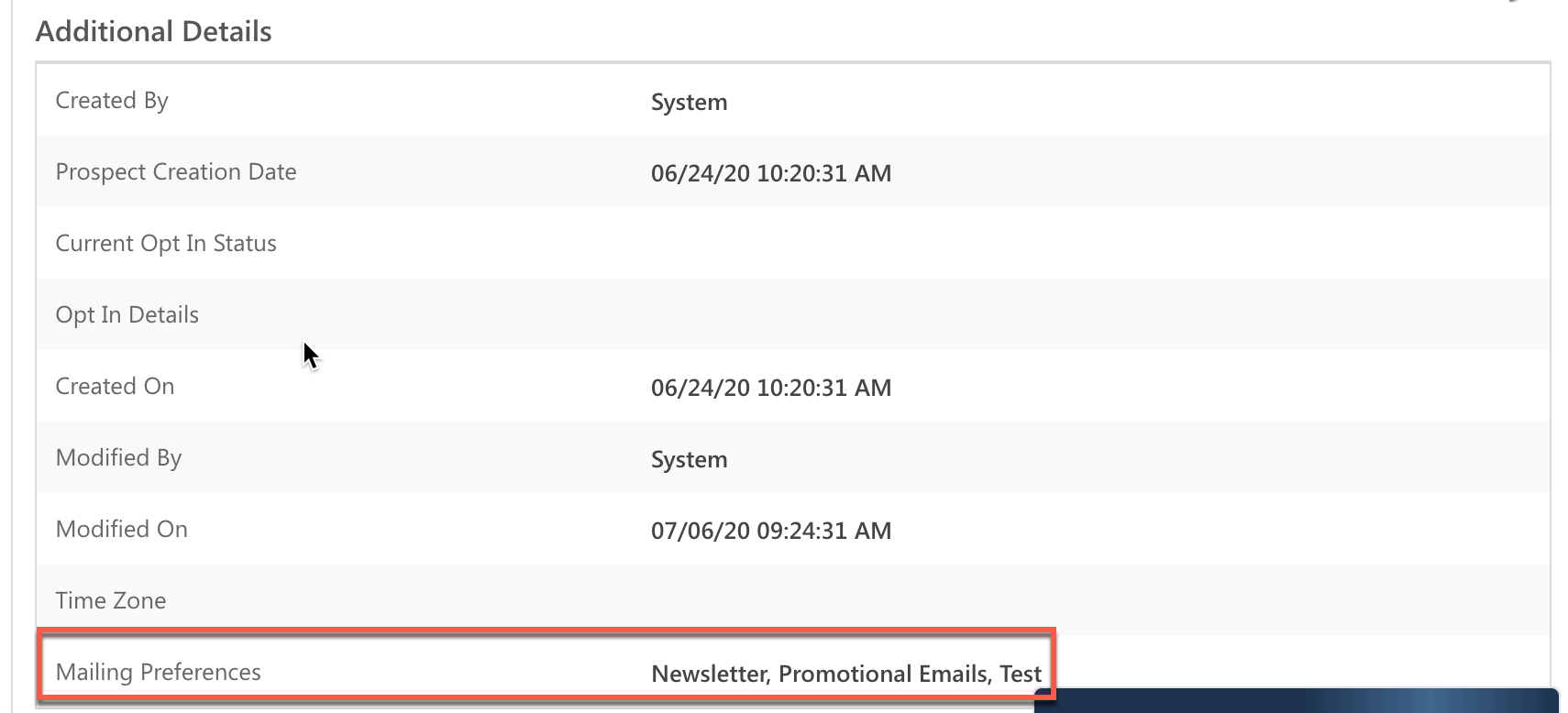
Once a lead unsubscribes from all the email categories of the mails, the “Do not email” field will be marked as true. However, LeadSquared user can unmark the field, provided he has required permissions & access, and subsequently send an email again to the lead. PFB the screenshot for your reference.
Once a lead unsubscribes from all the email categories of the mails, the “Do not email” field will be marked as true. However, LeadSquared user can unmark the field, provided he has required permissions & access, and subsequently send an email again to the lead. PFB the screenshot for your reference.

Hope the above info will help you with your query we are going to archive this ticket for future reference.
Thank you for contacting us and have a great day ahead!


