
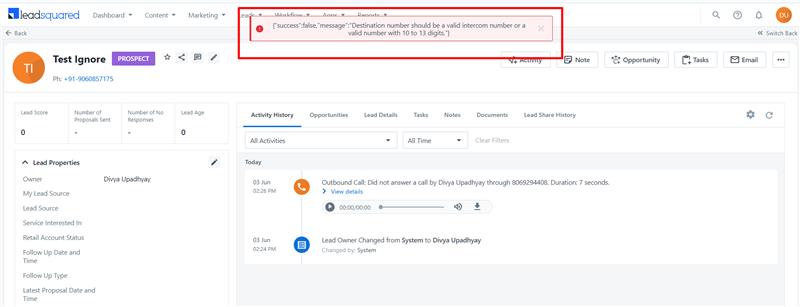
Scenario: User has reported that placing outbound call/click to call through old Ui it is getting placed correctly but when we try to place call after switching to new UI it is showing error: “Destination number should be a valid intercom number or a valid number with 10 to 13 digits”.
Root cause:
Platform team confirmed that the agent phone number between New UI and Old UI is coming different i.e. +91-1234567890 and +911234567890 respectively when using AgentNumberWithCC mail merge. This is happening only there is single instance within UTC having single virtual number.
Solution:
To unblock the customer we have use @AgentNumberWithoutCC mail merge and hardcode 91 like (91@AgentNumberWithoutCC).


