Title: Call Association Behavior in Opportunity Module
1. Calls from Opportunity Details Screen:
-
When a call is made directly from the Opportunity Details screen in the app, it is automatically associated with that opportunity.
-
The call will appear under the Activity History section.
2. Calls from Device Dialer:
-
Calls made outside the app (e.g., using the device dialer) do not carry opportunity context.
-
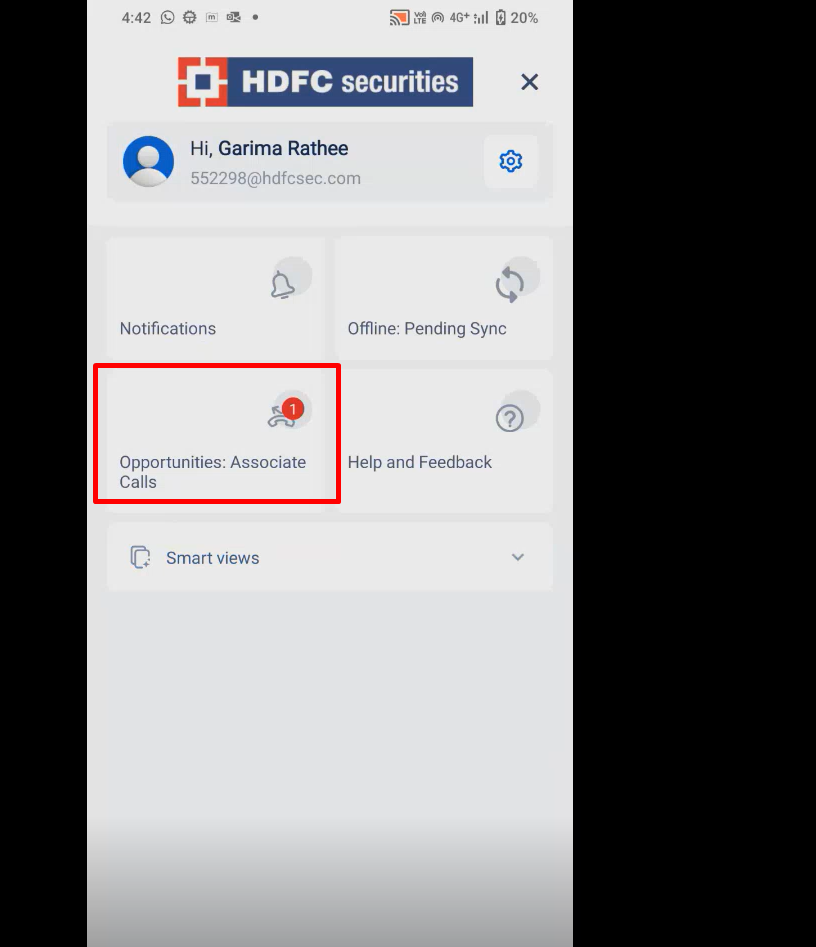
These calls are listed under “Opportunity: Associate Call” in the side menu.
-
Users must manually associate the call with the correct opportunity. Once done, the call is added to Activity History.