
Issue Overview: In a recent scenario, a user had a Workday Template applied to define their schedule and working hours. This template was intended to automatically manage user check-ins based on the defined work periods. However, it was observed that despite the Workday Template settings, the user continued to receive lead assignments through automation throughout the day, disregarding the specified work duration.
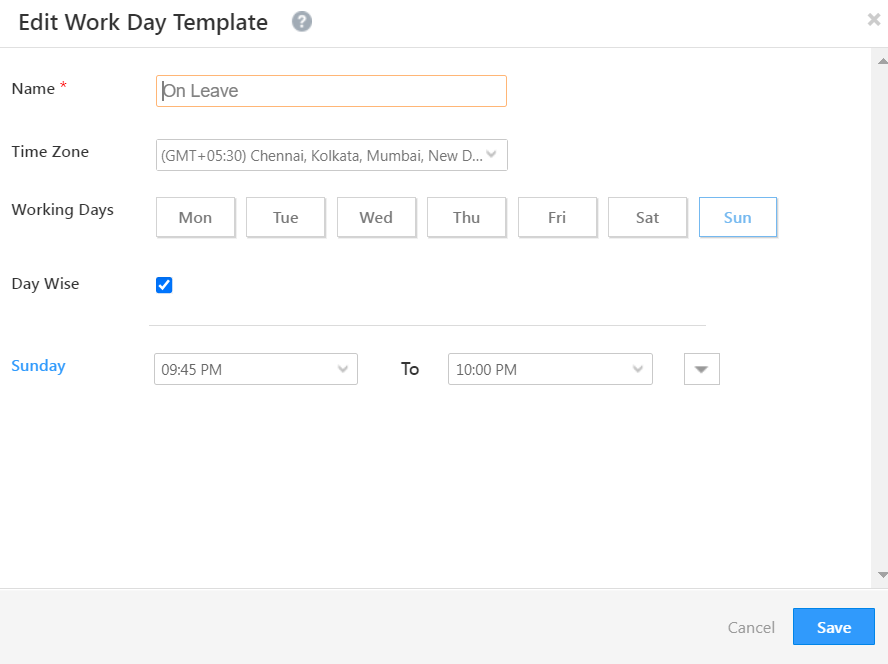
Analysis: Upon investigation, it was found that the “Check for User Availability” setting was configured as “No.” Consequently, the system continued to assign leads without considering the user’s actual work hours defined by the Workday Template. Additionally, the “Is Working Today” field was set to “Yes” for the entire day, regardless of the work hours specified in the template.
Workaround: To ensure that leads are assigned to users only during their specified work hours as per the Workday Template, please adjust the “Check for User Availability” field to “Yes.” This adjustment will ensure that the system respects the defined work duration and only assigns leads when the user is available according to their schedule.


