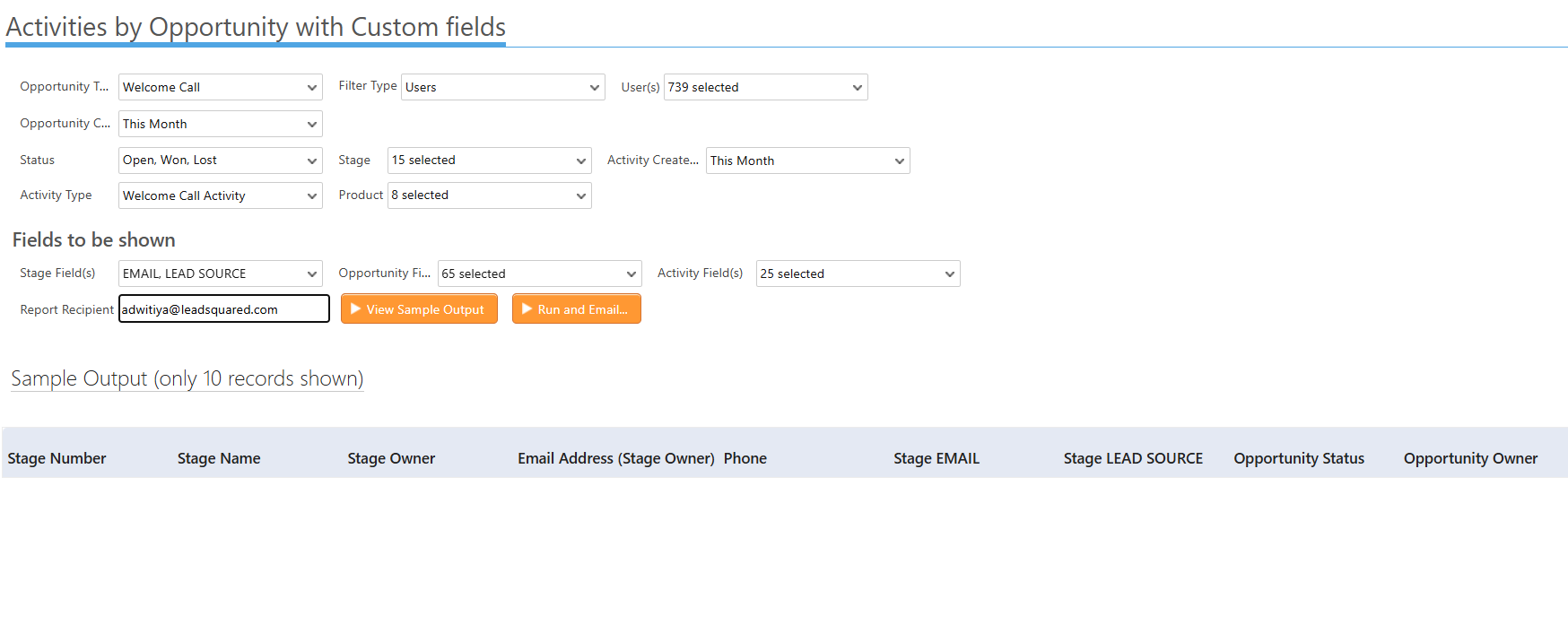
Issue:
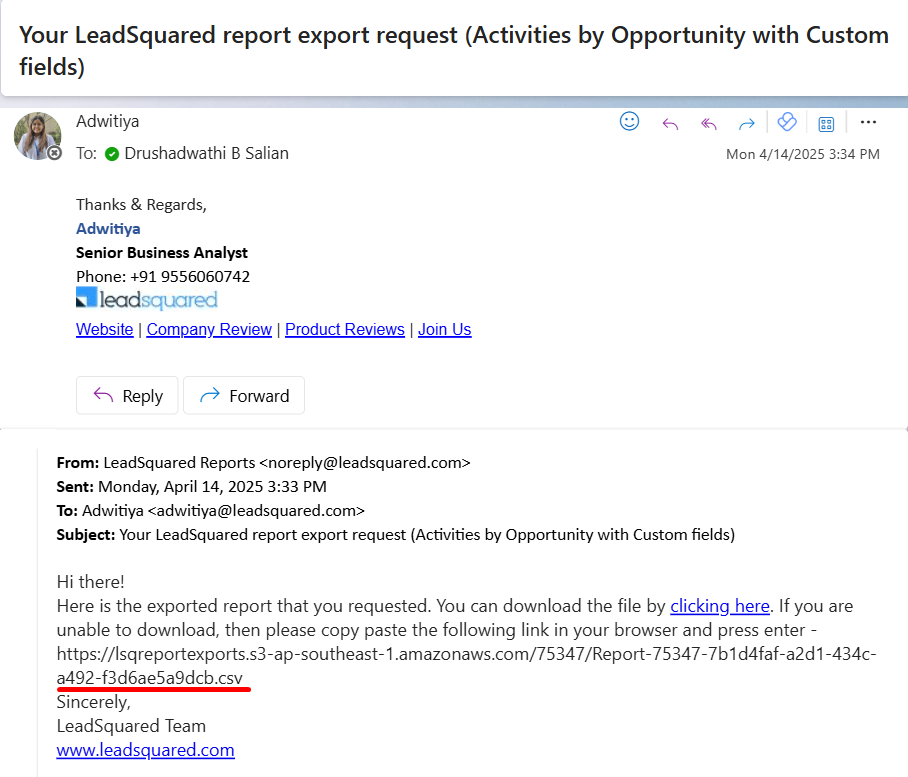
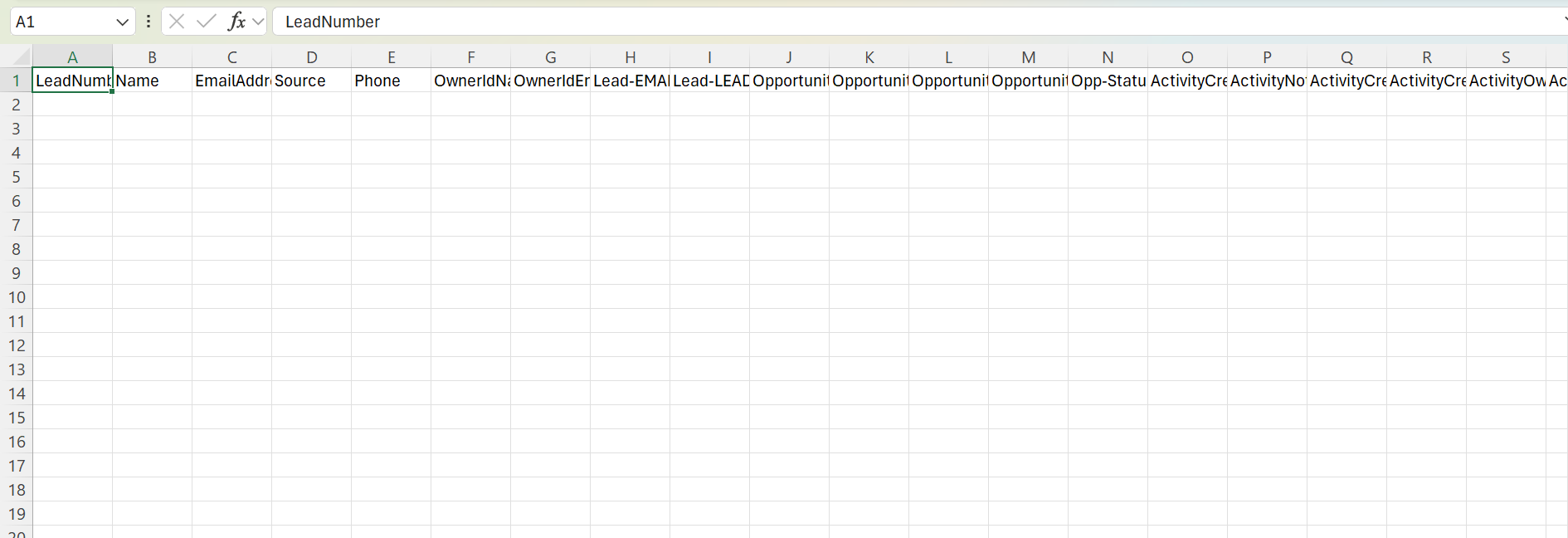
A user reported receiving blank reports via email after using the “Run and Email” function on large exportable reports. For instance, when attempting to generate the “Activity List by Opportunity” report with appropriate filters (which returned 200+ results), the emailed report appeared empty with no data included, despite accurate filter configuration.
Root Cause Analysis (RCA):
The issue was traced to the report execution flow. The user applied filters and directly clicked “Run and Email” without first reviewing the output. As confirmed by the engineering team, when the “View Sample Output” button is not clicked prior to sending the report via email, the system may default to using previously cached data, which can be outdated or empty, in the exported report.
Corrective Action:
To ensure the report reflects the most recent filters, users must first click “View Sample Output” after applying filters. This step refreshes the report data. Once the output preview is generated and confirmed, users can then proceed with “Run and Email” to receive the correct data set in the emailed report.