
Issue: The user is not able to import the leads and while importing it is showing an error message saying some of the fields have size larger than the expected.
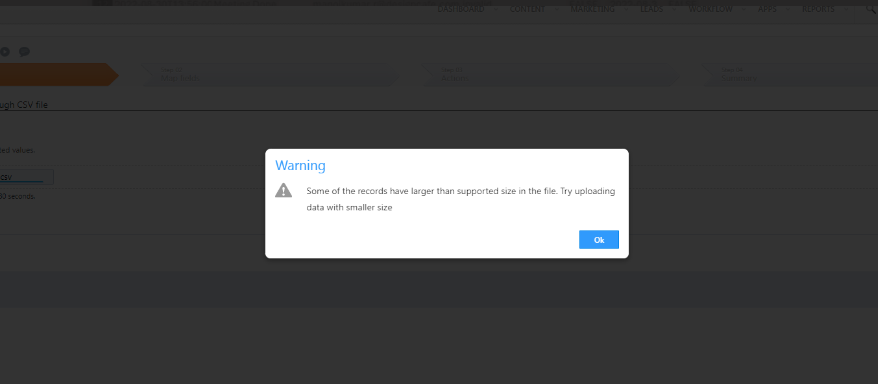
Analysis: Upon checking the CSV file we came to know that there are more than 180 columns in the CSV file which is not supported.
Workaround: When importing leads, a temporary table is created in the backend. If the data in the columns exceeds a certain limit, an error is generated, as mentioned. This limitation arises from MySQL, which can handle up to 60-90 fields, but not 180 columns. To resolve this issue, customers will need to reduce the number of columns in the CSV and try import it.
User can import csv file size up to 100 MB.


