
Ques. How can we download the import download history file from Support Access Login ?
Ans: There is a new report introduced called as “Leads Import Summary Report”.
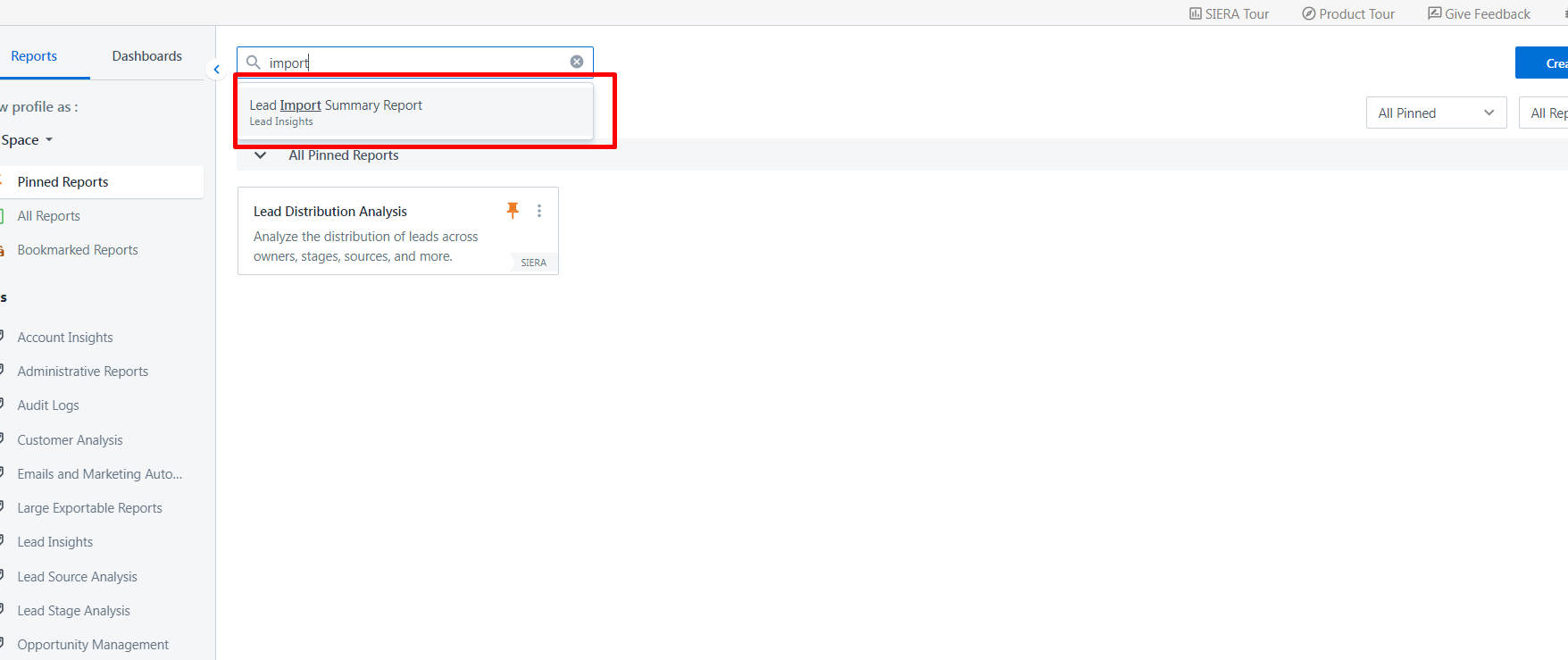
Ans: There is a new report introduced called as “Leads Import Summary Report”.
While accessing the report as shown below, it help you to now download the “Request History CSV” files. This file contains the status/reason upon each lead which will help you understand the import issues directly instead of seeking it from customer. We will be able to download that CSV using Support Access account. This report also helps with other parameters of Import operations as per the rules set & import done
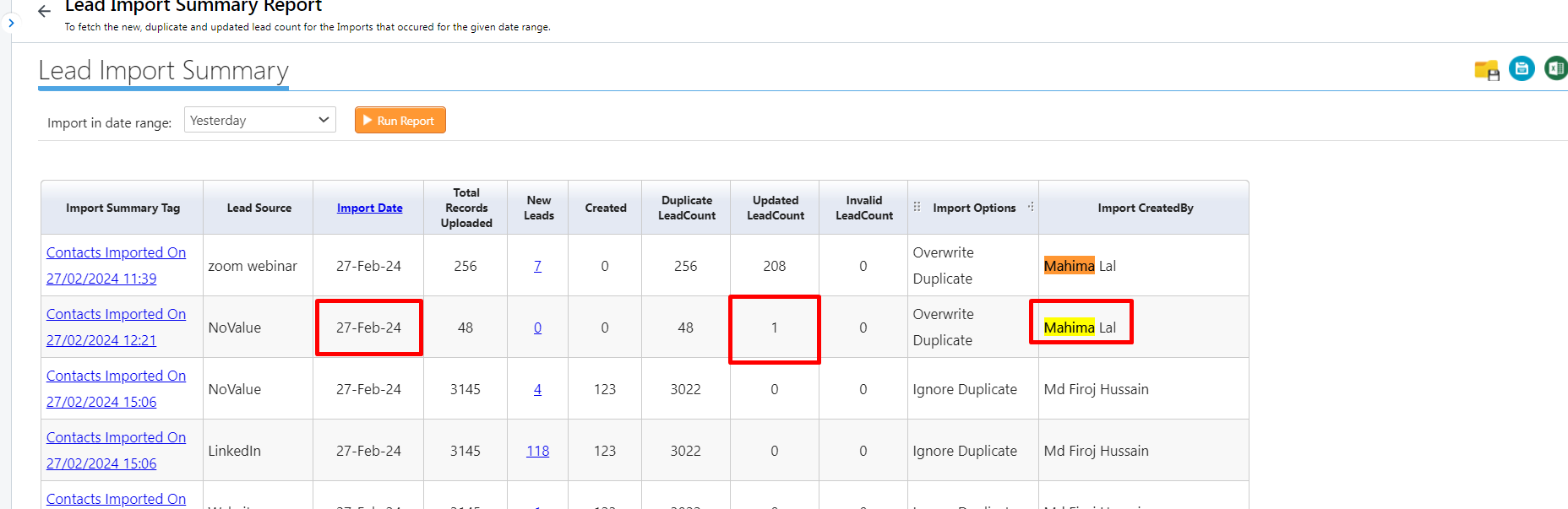
Hyperlinks on the left are the same download history files users that receive over mail on completing Import Operation


