
From a ‘date and time’ type field, we can subtract/add the number of hours and not the number of days.
Hence, the syntax for the following screenshot will be would be @{Lead:mx_Subscription_End_Date,}+168
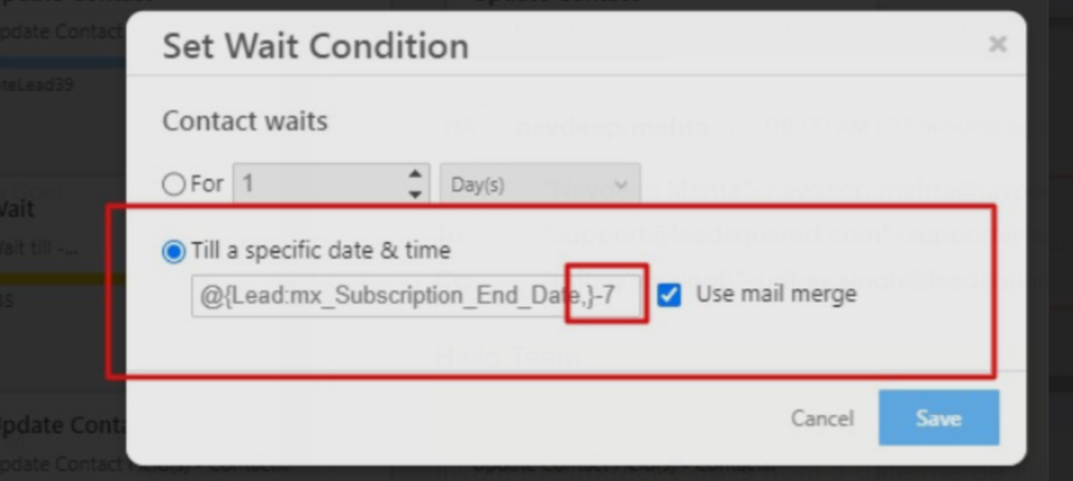
Note: For the ‘+’ function we use the ‘-‘ sign and for the ‘-‘ function we use the ‘+” sign. Also, please do not leave any whitespaces between the lead field, the ‘+’ sign, and the number of hours.


