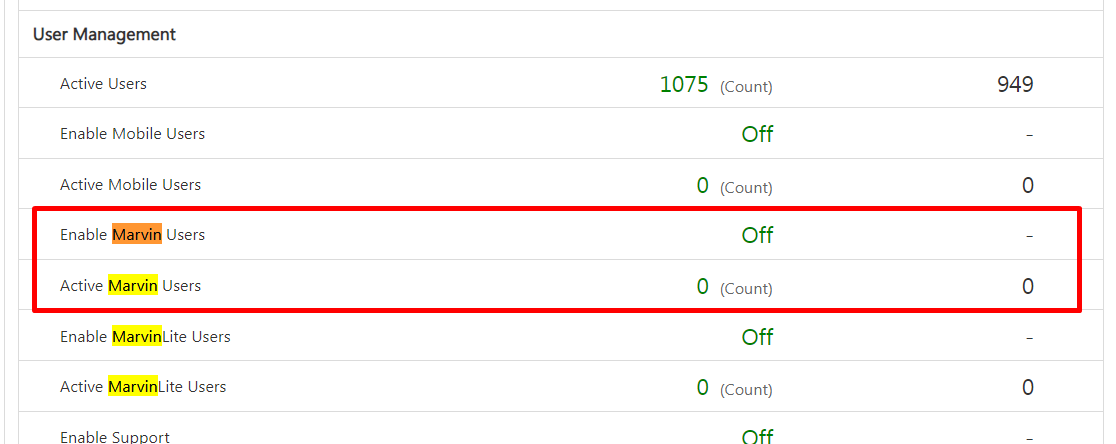
Below checks should be done in case the customer is unable to create a Marvin User.
1. If Marvin Feature is enabled for the tenant. You can check this by going to Settings Page and check if Marvin tab is present in the settings.
1. If Marvin Feature is enabled for the tenant. You can check this by going to Settings Page and check if Marvin tab is present in the settings.
2. If under User Management in Billings & Usage, the Enable Marvin Users settings is enabled. If not, kindly get it enabled and increase the limit of Active Marvin Users from billings team.