
Hi Team,
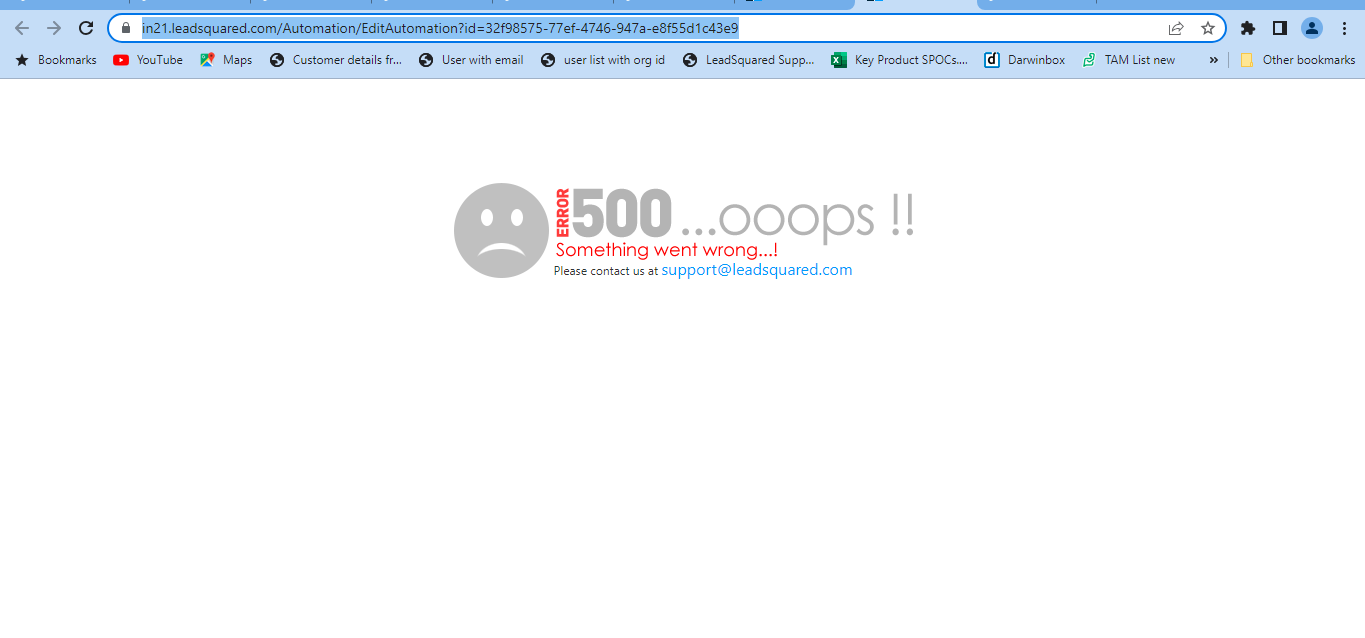
Issue– While editing the auotmations be it in draft stage or published stage the customers are recieving 500 oops error.
Solution and Steps to follow –
Please check the following details:
-> Check what is the Max Allowed Published Automations in the account by navigating to settings->profile-> Billings and usage.
-> If the count is mentioned as unlimited this is the reaosn that the 500 oops error is coming as only numeric values are allowed in tenant management.
-> Raise a ticket with the Billings team citing them to make the changes from unlimited by some other numeric value after confirming with the account owner of that account. Post which the issue will be resolved and you will be able to edit auotmtaions.
Dev ticket id for reference- #750300
Support ticket id for reference- #750284


